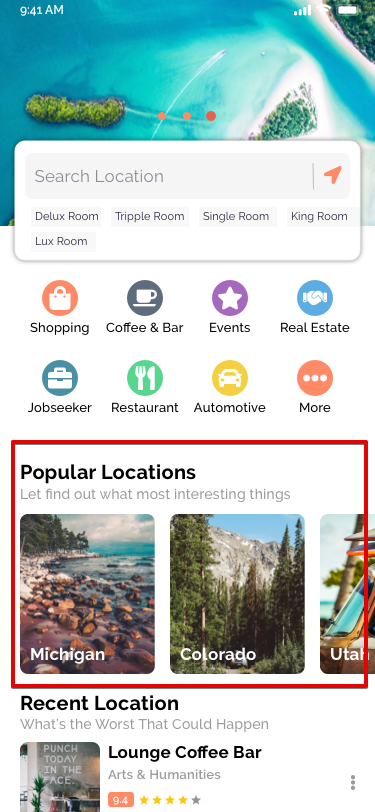
To add a new category:
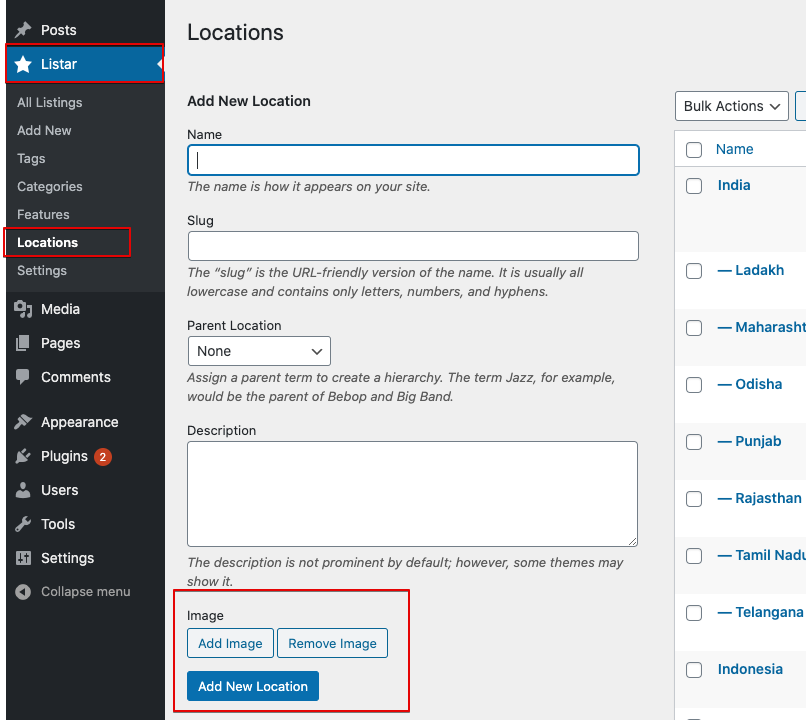
- Go to Dashboard → Listar → Categories → Add New Category.
- Fill in the standard fields:
- Name – The category title.
- Slug – The URL-friendly version of the name.
- Parent Location – (Optional) Choose a parent if you’re creating a sub-location.
- Description – A brief summary of the location.
- Image – Set a featured image for the location.
Click Add New Location to save.
Location Hierarchy Overview
The location system is structured into three levels. You can customize the terminology based on your business needs—you’re not limited to the default labels, such as Country, State, and City.
- Level 1 – Typically used for Country
- Level 2 – Commonly used for State, Province, or Region
- Level 3 – Usually represents a City or Local Area
You’re free to rename these levels better to match the geographic structure of your business or region.
How will this section be displayed on the web?


How will this section be displayed on the web?